Every year, around the same time the paperwork starts piling up, another kind of season begins: the one run by criminals who know exactly how stressed and distracted people get while filing taxes. They count on it. A rushed email, a text that looks official, a phone call that creates just enough panic — that is often all it takes to hand over account numbers, passwords, or a copy of your Social Security card. The good news is that most tax-related phishing follows recognizable patterns, and once you know them, they lose much of their power. This guide walks through what to watch for, how to protect your records, and where to store them so a single mistake does not turn into a year-long cleanup.
Why Tax Season Is a Magnet for Fraud
Tax filing compresses a lot of sensitive activity into a few weeks. You are gathering W-2s, 1099s, bank statements, and receipts. You may be emailing documents to an accountant, logging into unfamiliar portals, or waiting on a refund you genuinely need. Criminals exploit all of that context.
Three things make this window especially risky:
- Money is already moving. A refund or payment gives a scammer a believable reason to ask for bank details.
- Authority feels legitimate. Messages that appear to come from a tax agency, payroll department, or software provider carry weight because we expect to hear from them this time of year.
- Attention is stretched thin. When you are juggling deadlines and forms, a quick click is easy.
The result is a flood of impersonation attempts — some crude, some remarkably polished. The polished ones are the dangerous ones, so it pays to slow down rather than trust your first impression.
How to Recognize Tax-Related Phishing
Phishing rarely announces itself. It arrives wearing a familiar face. The tell is usually not one glaring error but a cluster of small wrongness that adds up.
Common red flags
- Urgency and threats. "Your refund is on hold." "Immediate action required." "Failure to respond may result in legal action." Legitimate agencies do not conduct serious business through panicked emails or texts.
- Requests for sensitive data. No real tax authority asks for your full Social Security number, bank login, or card PIN by email or text. If someone does, that is the scam.
- Mismatched links. Hover over a link before clicking. The visible text may say one thing while the actual address points somewhere else entirely.
- Unexpected attachments. A "tax document" you were not expecting, especially a compressed file or an unfamiliar format, deserves suspicion.
- Odd payment demands. Gift cards, cryptocurrency, wire transfers, or payment apps are favored by fraudsters precisely because they are hard to reverse.
- Subtle impersonation. Look closely at sender addresses. A single swapped letter or an added hyphen — something like a misspelled domain — is a classic trick.
A quick verification habit
When a message claims to be from a tax agency or your payroll department, do not reply, click, or call any number it provides. Instead, reach the organization through a channel you already trust: the official website you type yourself, the number on last year's correspondence, or your employer's internal directory. This one habit defuses the majority of phishing attempts, because the scam depends on you staying inside the world it created.
Protecting Your Financial Records
Phishing is only one door into your data. The records themselves — stored, shared, and eventually discarded — matter just as much. Treat tax documents the way you would treat cash sitting on a kitchen counter.
Before you file
- Collect documents from known sources only, and confirm any request for information against a number or portal you looked up independently.
- Keep paper records in a locked drawer or safe rather than a folder on a desk.
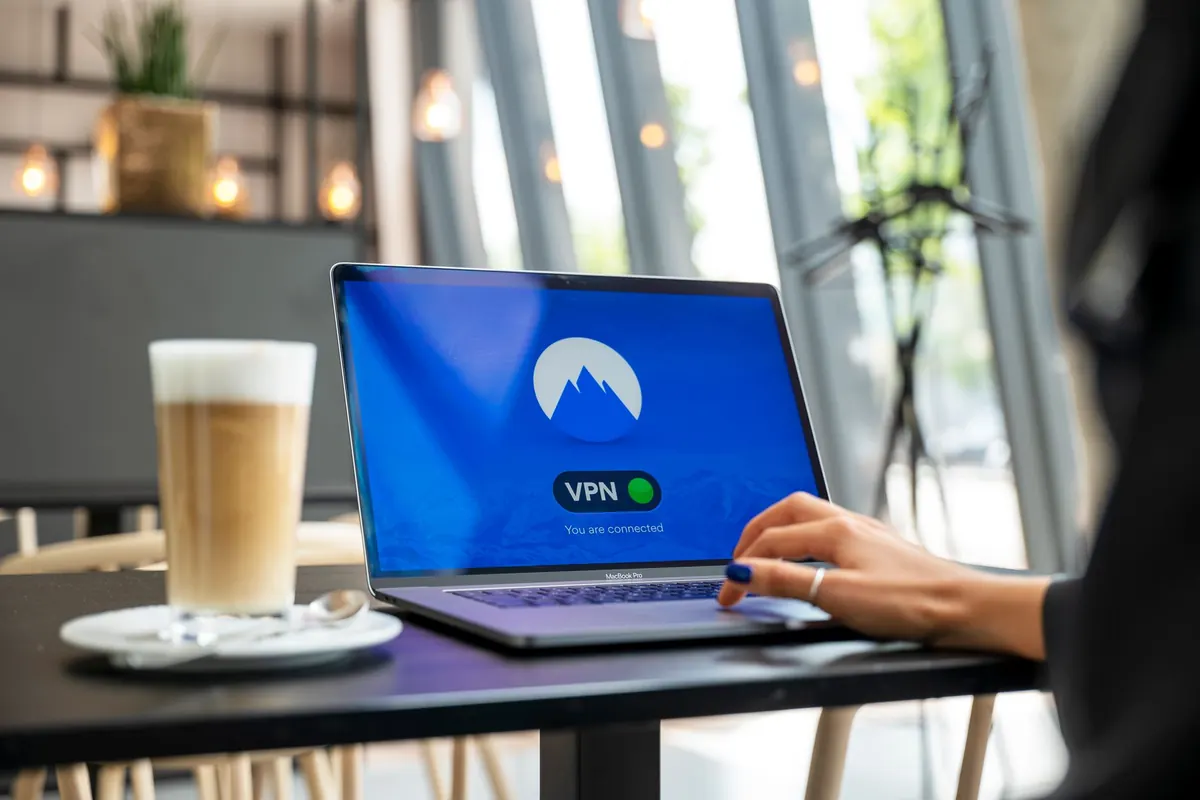
- Avoid filing over public Wi-Fi. If you must use a shared network, a trusted VPN adds a layer of protection.
- Use a unique, long password for your tax software and email account, and turn on multi-factor authentication wherever it is offered.
While you file
If you work with a preparer, ask how they receive and store documents. Reputable firms use encrypted client portals rather than plain email attachments. If you are sending files yourself, encrypt them or use a service that generates expiring links. A PDF "protected" only by a weak password is barely protected at all.
After you file
Retain what you are required to keep and shred the rest. Paper documents should go through a cross-cut shredder; digital copies should be deleted securely, not just moved to a trash folder. Keep an eye on your accounts for a few months after filing — early detection of a fraudulent return or unauthorized withdrawal makes resolution far easier. If you suspect tax-related identity theft, contact the relevant tax authority and your bank promptly, and consider placing a freeze or fraud alert on your credit. For anything involving your specific legal or financial situation, a qualified accountant or attorney is the right person to advise you.
Secure Storage That Actually Works
Where your records live between filings determines how exposed they are. A few straightforward choices cover most of the risk:
- Use encrypted storage. Full-disk encryption on your devices and an encrypted archive for scanned documents mean a stolen laptop is an inconvenience, not a disaster.
- Separate the sensitive from the ordinary. Tax returns, Social Security cards, and account statements deserve their own protected location, not the same folder as recipes and screenshots.
- Keep offline backups. An external drive stored securely at home protects you against ransomware and accidental deletion alike. Test that you can actually restore from it.
- Limit who has access. Share files with your preparer through a portal with individual logins, and revoke access once the work is done.
- Clean up on a schedule. Once a year, review what you are keeping, delete what has expired, and update passwords on any accounts tied to your tax workflow.
None of this requires technical expertise. It requires a decision to treat financial records as worth a small amount of deliberate effort.
If You Think You Have Been Hooked
Act quickly and calmly. Change passwords on affected accounts, starting with your email, since it is often the reset key for everything else. Enable multi-factor authentication if it was not already on. Contact your bank and ask them to flag unusual activity. Report the message to the organization it impersonated and to the relevant anti-fraud authority so others are warned. Document what happened — dates, addresses, what you shared — because that record makes every subsequent conversation easier.
Shame keeps people silent, which is exactly what scammers want. Reporting a mistake is not embarrassing; it is the fastest way to contain it.
Your Filing-Season Checklist
Before the season gets busy, take fifteen minutes to set yourself up. Turn on multi-factor authentication for your email and financial accounts. Confirm how your preparer prefers to receive documents, ideally through an encrypted portal. Move last year's records into encrypted storage and shred the paper you no longer need. Then, when the messages start arriving, apply the simplest rule in this guide: verify through a channel you chose, not one the sender handed you.
Tax season will always be a busy, slightly anxious time. It does not have to be a vulnerable one. A little preparation now means the only thing you are worried about in April is whether you owe money — not who else might have your records.
Photo: stevepb / Pixabay